
Github 个人主页美化
1. 效果
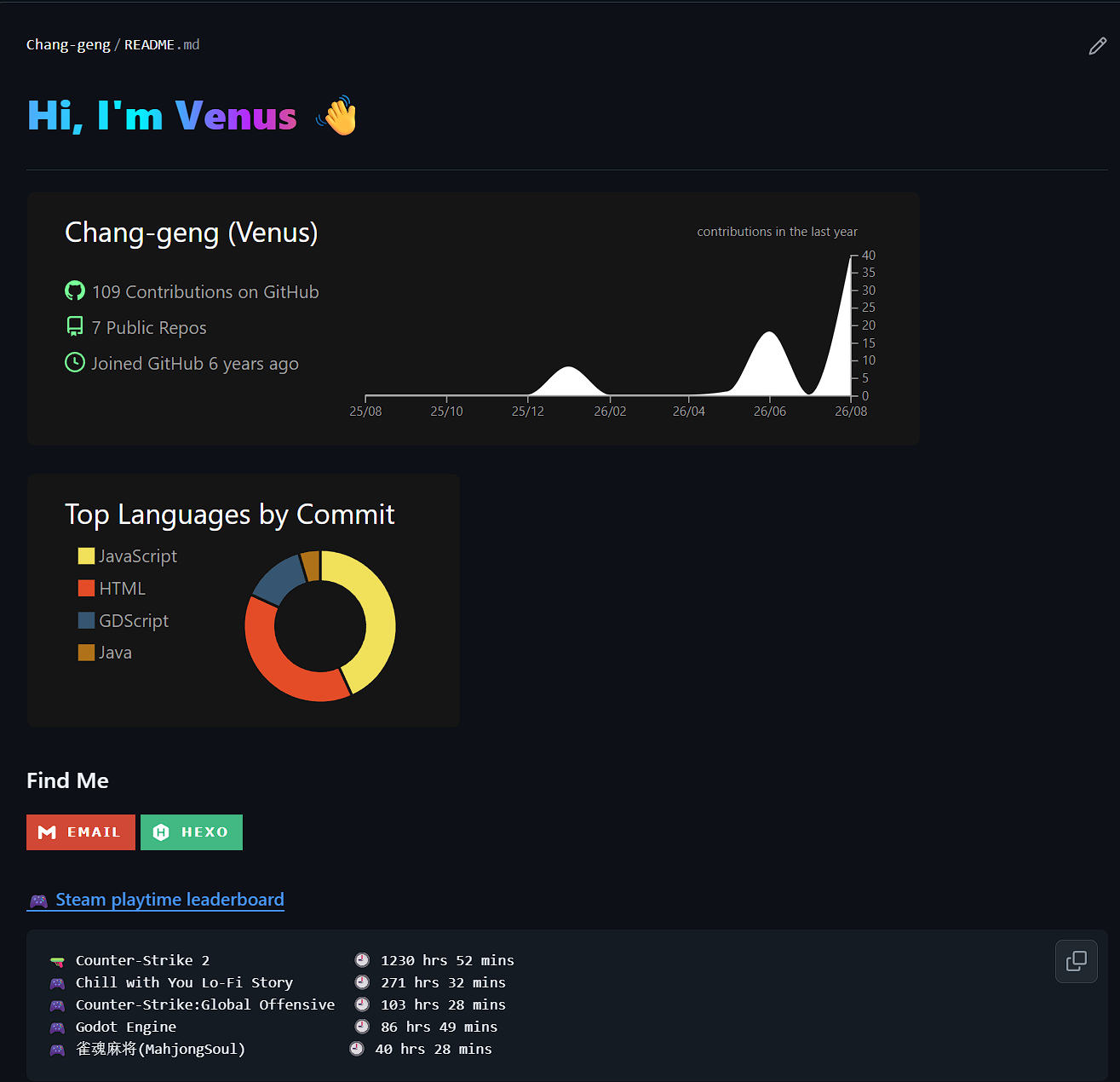
大概如图所示。
2. How
新建一个仓库,仓库名是你的用户名,然后添加一个README文件,在里面写你的markdown即可。
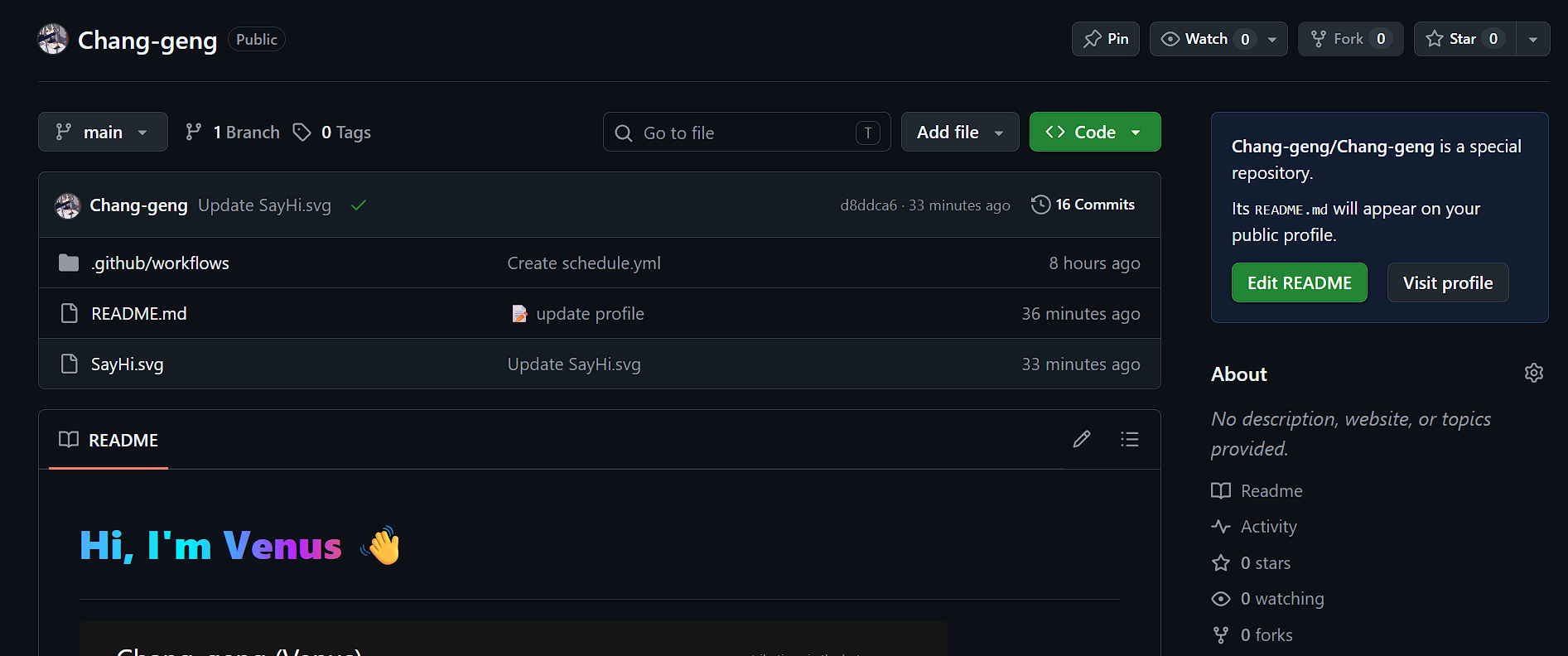
-
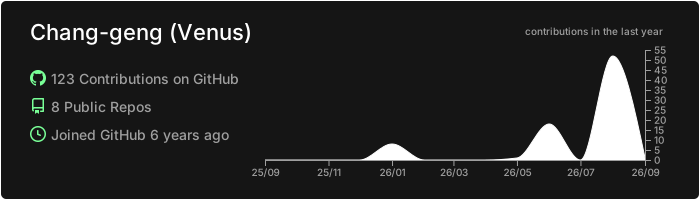你可以直接复制这串Markdown语句使用,username换成你的用户名,theme换成你想用的格式。
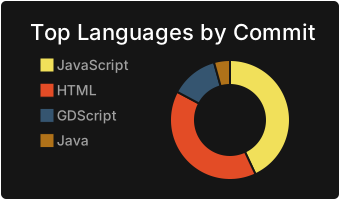这一串也是,效果如下:
-
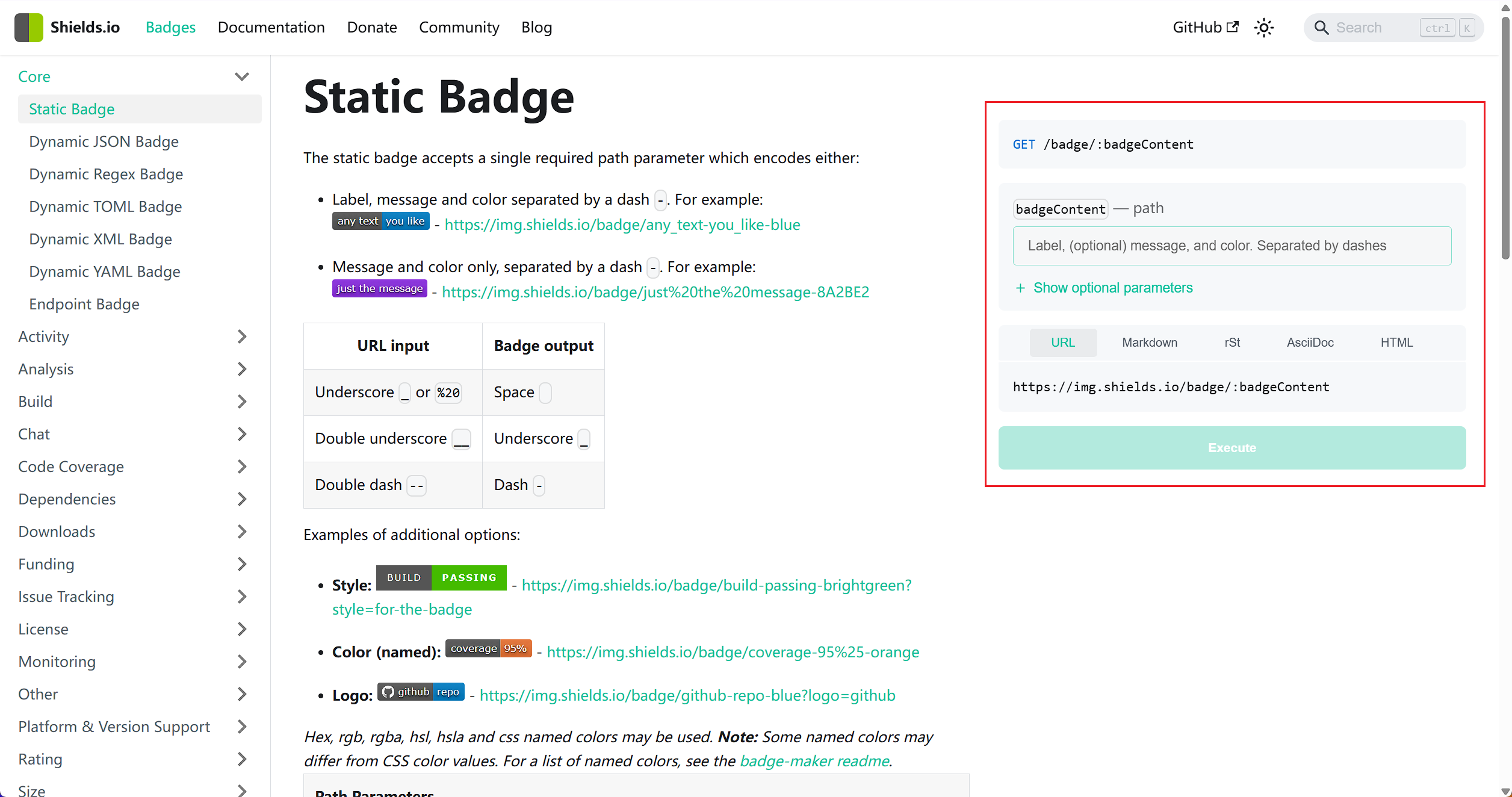
你可以通过调用这个项目生成svg徽章然后写html语句,src引用这个徽章生成的svg矢量图,这是我生成的:
<a href="mailto:your_email" target="_blank"><img alt="Email" src="https://img.shields.io/badge/Email-D14836?style=for-the-badge&logo=gmail&logoColor=white" /></a> <a href="your_websit_url" target="_blank"><img alt="Hexo Badge" src="https://img.shields.io/badge/Hexo-42B883?style=for-the-badge&logo=hexo&logoColor=white" alt="Hexo Badge"/></a>你也可以去官网的这里手动生成。
-
同样复制这一串,lines替换为你想要的内容。
-
先是根据仓库的文档一步步创建Gist,有gist和repo权限的token还有steam API key,创建完后在仓库的设置页面里添加这几个
GH_TOKEN,GIST_ID,STEAM_API_KEY,STEAM_ID环境变量。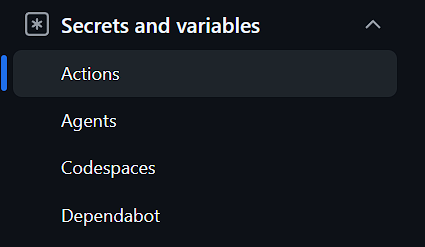
在你的仓库里创建路径文件
.github/workflows/schedule.yml,填入以下代码:name: Update steam playtime on: push: branches: [main, master] pull_request: branches: [main, master] schedule: - cron: "0 0 * * *" # 每天 0 点运行一次 jobs: build: name: Update-steam-playtime runs-on: ubuntu-latest env: GH_TOKEN: ${{ secrets.GH_TOKEN }} GIST_ID: ${{ secrets.GIST_ID }} STEAM_API_KEY: ${{ secrets.STEAM_API_KEY }} STEAM_ID: ${{ secrets.STEAM_ID }} UPDATE_OPTION: GIST_AND_MARKDOWN MARKDOWN_FILE: README.md steps: - name: Set up Go 1.x uses: actions/setup-go@v2 with: go-version: ^1.14 id: go - name: Check out repo uses: actions/checkout@v2 - uses: actions/setup-go@v2 - name: Clone and run steam-box run: |- git clone https://github.com/journey-ad/steam-box.git cd steam-box && go build -o steam ./cmd/box/main.go mv ./steam ../ && cd .. && rm -rf steam-box/ - name: Commit and push run: |- ./steam git config --global user.email "bot@github.com" && git config --global user.name "Steam-Bot" git diff git add README.md && git commit -m ":memo: update profile" || exit 0 git pull && git push之后在
README文件里添加上和两个注释段即可,提交后会自动运行一次Action,等待运行结束就能看到信息了。
▲
▼